ImageFlow AI
Professional AI Image Editing Platform
Welcome to ImageFlow AI — a professional AI image editing platform powered by advanced AI models including Google Nano Banana (Gemini 2.5 Flash Image). Master AI image generation, character consistency, background replacement, and advanced edits with clear examples and practical tips.
ImageFlow AI helps you master AI image generation powered by Google Nano Banana for character consistency, background replacement, and multi-image fusion. Start with our beginner guide and tutorial examples.
Why Choose ImageFlow AI for AI Image Editing?
Discover why ImageFlow AI, powered by Google Nano Banana — the most advanced AI image editor — delivers unmatched character consistency and professional-grade results.
Character Consistency
Signature Feature
Maintain perfect subject identity across unlimited edits. Our AI engine preserves facial features, clothing details, and character essence unlike any other AI image editor.
Text-to-Image Editing
Natural Language Control
Transform images with simple text descriptions. Our AI engine understands complex editing instructions and delivers professional results instantly.
Background Replacement
Professional Quality
Replace backgrounds while maintaining natural lighting and shadows. ImageFlow AI creates seamless, studio-quality compositions.
ImageFlow AI: Complete Step-by-Step Tutorial
Master AI image editing with our comprehensive ImageFlow AI tutorials — featuring friendly, step-by-step guides and practical examples for beginners.
Official Tutorial
Google DeepMind developer guide with API setup and AI image code examples
Beginner Guide
Easy ImageFlow AI tutorial for photographers and content creators
Video Creation
Learn to create cinematic videos with the 5-part prompt formula
Advanced Techniques
Photoshop alternative guide for professional image manipulation
Featured ImageFlow AI Success Stories
Discover real-world applications and results from our community of ImageFlow AI users. From professional photographers to content creators, see how AI image editing transforms workflows.
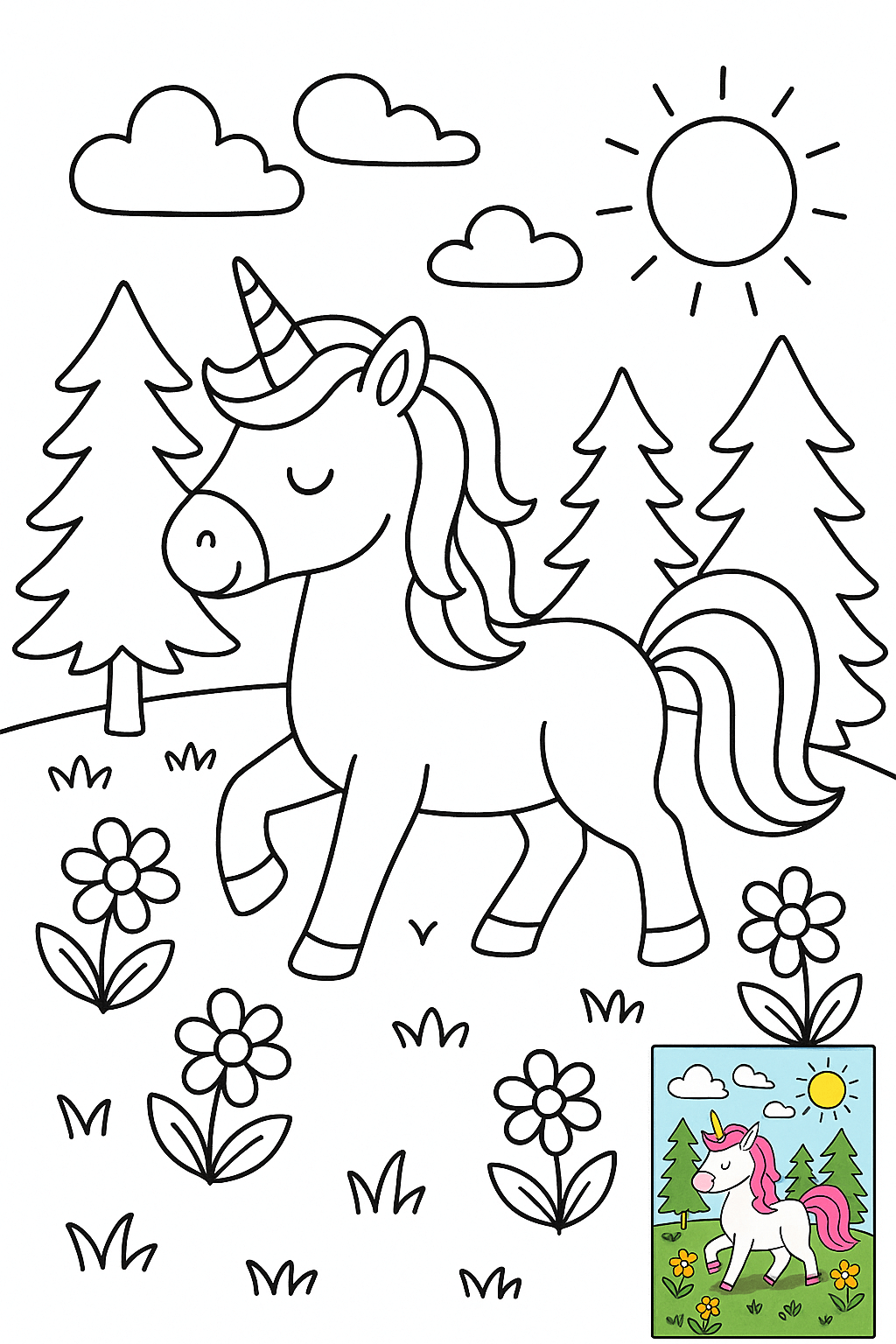
Children's Coloring Page Illustration (with Color Reference)
A black and white line drawing coloring illustration, suitable for direct printing on standard size (8.5x11 inch) paper, without paper borders. The overall illustration style is fresh and simple, using clear and smooth black outline lines, without shadows, grayscale, or color filling, with a pure white background for easy coloring. [At the same time, for the convenience of users who are not good at coloring, please generate a complete colored version in the lower right corner as a small image for reference] Suitable for: [6-9 year old children] Scene description: [A unicorn is walking on the grass in the forest, with bright sunshine, blue sky and white clouds]

Surreal Interaction Scene
A pencil sketch of [Subject 1] interacting with [Subject 2], where [Subject 2] is rendered as a realistic, full-color object, creating a surreal contrast against the hand-drawn style of [Subject 1] and the background
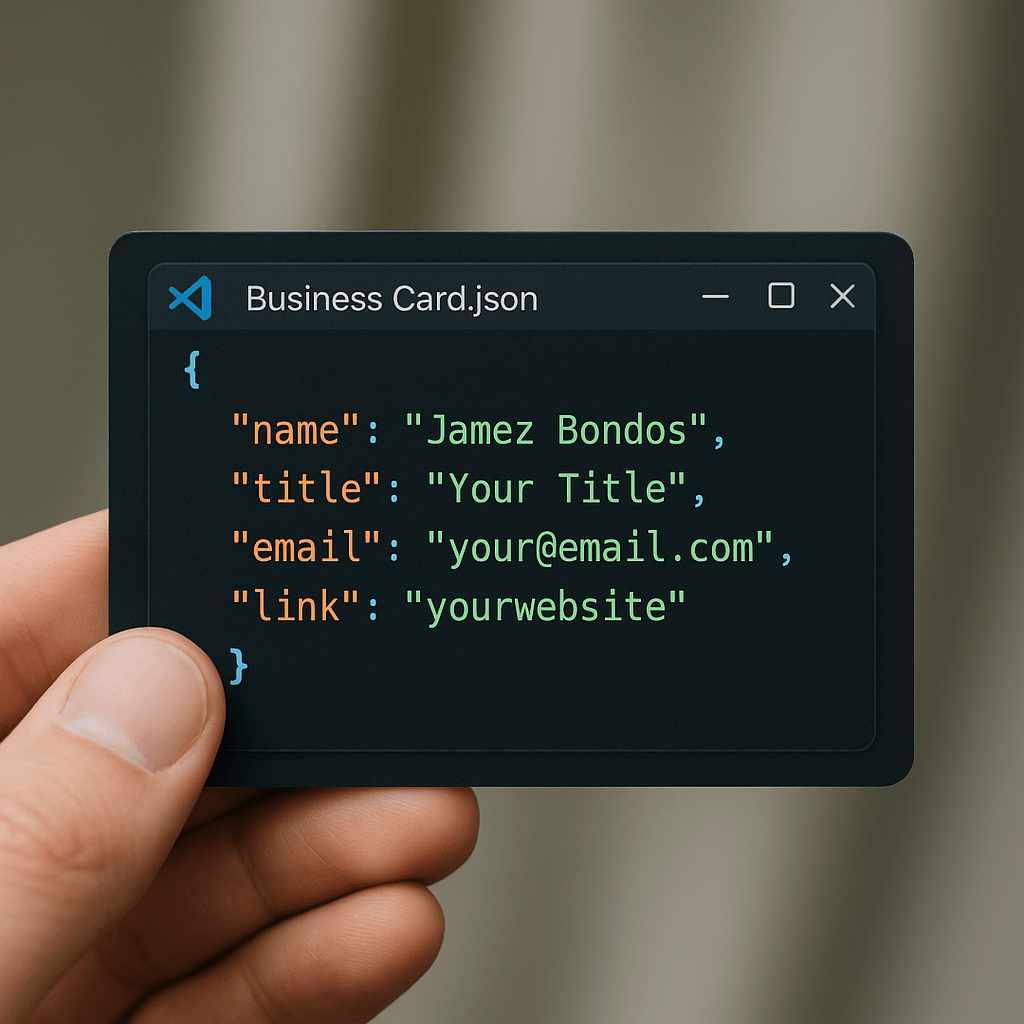
Code Style Business Card
A close-up shot of a hand holding a business card designed to look like a JSON file opened in VS Code. The card shows code formatted in realistic syntax-highlighted JSON code. The window includes typical toolbar icons and a title bar labeled Business Card.json, styled exactly like the interface of VS Code. Background is slightly blurred, keeping the focus on the card. The card displays the following code formatted in JSON: { "name": "Jamez Bondos", "title": "Your Title", "email": "[email protected]", "link": "yourwebsite" }
Latest ImageFlow AI Tutorials & Insights
Master AI image editing with our comprehensive guides, tutorials, and expert insights. From beginner tips to advanced techniques, discover everything you need to create stunning AI-edited images.
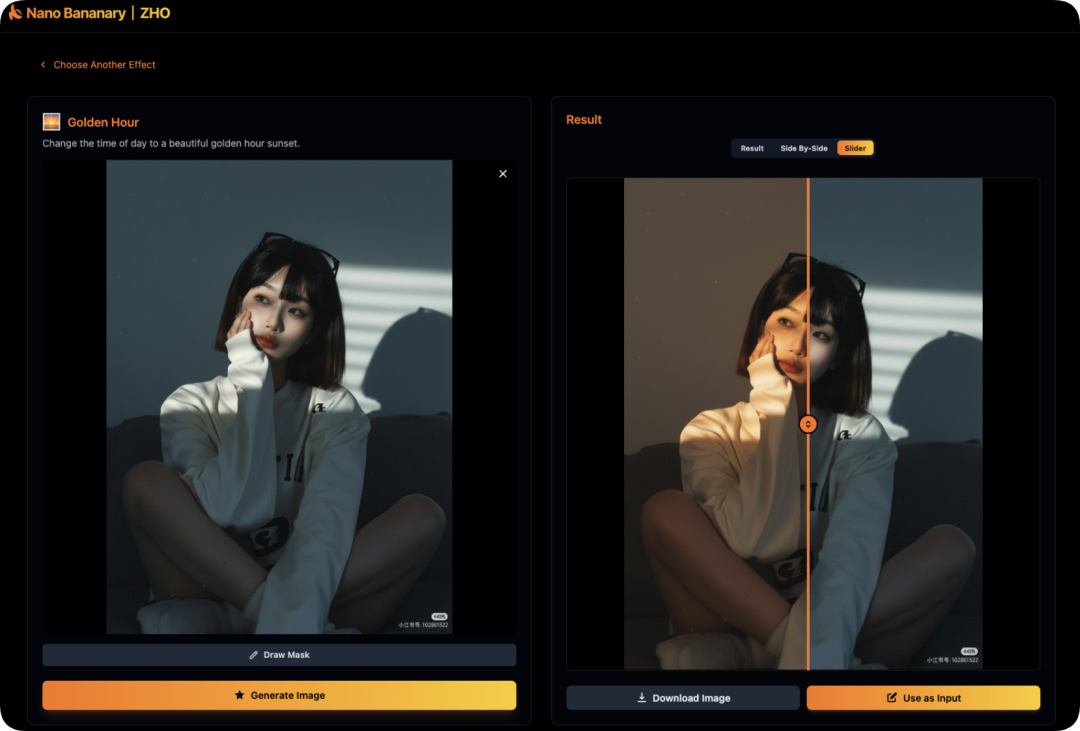
Star 0.7k! Nano-Bananary: Ditch Complex Prompts! This AI Tool Makes Image Editing as Easy as Peeling a Banana
Nano Bananary is an innovative AI image editing tool that eliminates the need for complex prompts. Powered by Gemini 2.5 Flash, it offers one-click editing, local brush selection, continuous editing mode, and video generation. With its English interface, responsive design, and practical features like comparison tools and history tracking, it makes professional-grade image editing accessible to everyone from designers to AI enthusiasts.
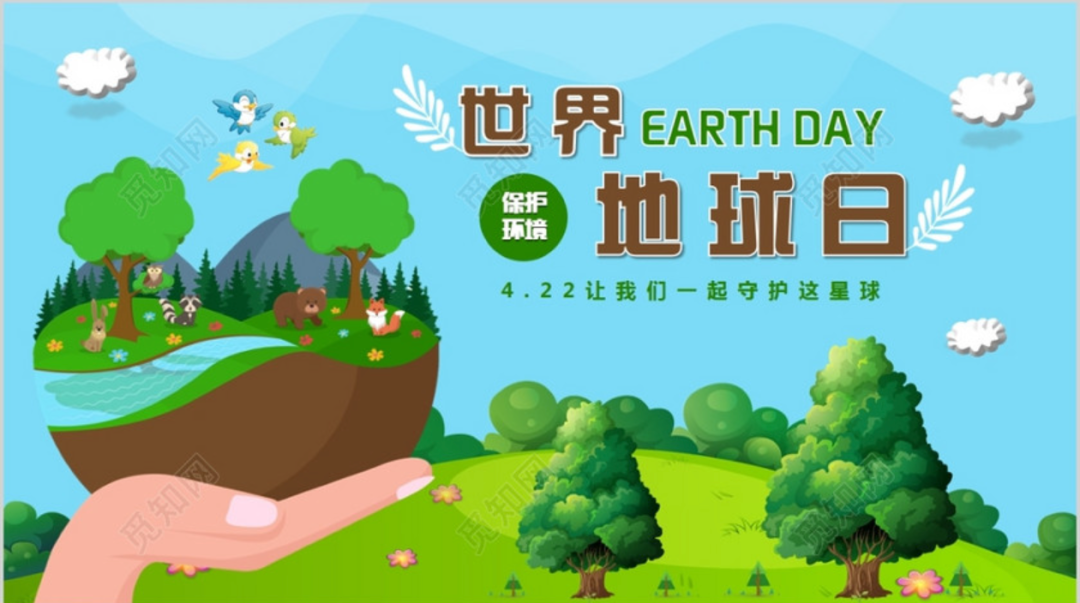
Google Officially Releases Nano-Banana (Gemini 2.5 Flash): The Internet's Hottest AI Image Model with Complete Prompt Guide
Explore Google's groundbreaking Gemini 2.5 Flash (Nano-Banana) AI image model. This guide covers its capabilities in text-to-image generation, storyboarding, character consistency, photo restoration, and compositing. Includes a comprehensive prompt library and multi-turn scripting techniques for professional-grade results.
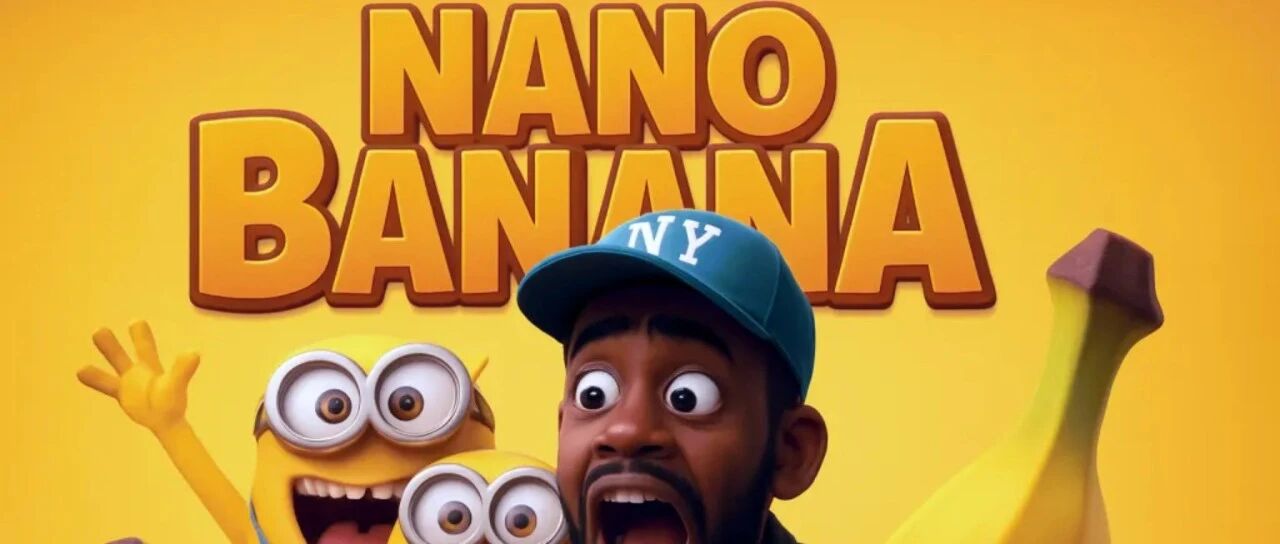
NanoBanana Goes Viral: The AI Trend Turning You Into a Collectible Figure & Everything You Need to Know
NanoBanana, powered by Google's Gemini 2.5 Flash AI, is the viral sensation turning photos into hyper-realistic 1/7 scale collectible figures. This article explains the trend, its massive user growth, how to create your own figure avatar, and the emerging commercial opportunities in avatars, gifts, and content creation for Western audiences.
Start Your ImageFlow AI Journey Today
Trust ImageFlow AI for professional AI image editing with unmatched character consistency. Transform your creative workflow with our advanced AI image editor.